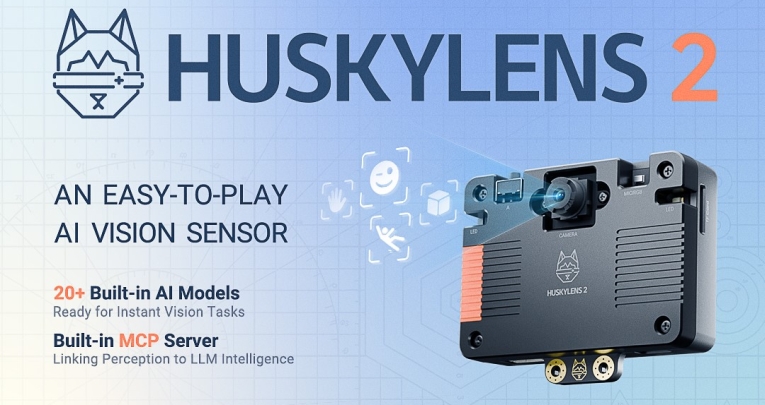



An easy-to-play device that introduces fun aspects of practical AI without the need for coding skills…
Does AI inspire you, annoy you or scare you? Whatever your feelings about it, this technology is going to play a huge part in the lives of all of us. Making our young people more confident and comfortable with using it will be an increasingly important priority.
For many of us, when we first think of this sort of technology, we might consider generative AI’s ability to create text, images and even music. Furthermore, its imaging applications are already prevalent in everyday life, such as face recognition devices for security purposes.
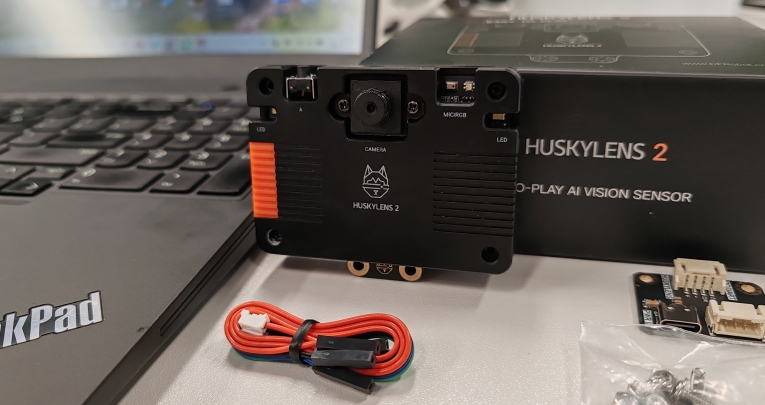
Here is an exciting new product that puts that technology in the hands of students and gives them the chance to explore it without them having to get bogged down in the complexities of coding. The HuskyLens 2 AI vision sensor is a neat little gizmo with a remarkably wide range of applications.
At its most basic level, it is all about object recognition. What really caught my eye, though, was the way it combined a number of inbuilt AI-based functions with the ability to learn new skills.
Now, I freely admit that I am far from being a techno-whizz, yet even I was able to get my head around the basics of the HuskyLens 2 remarkably quickly.
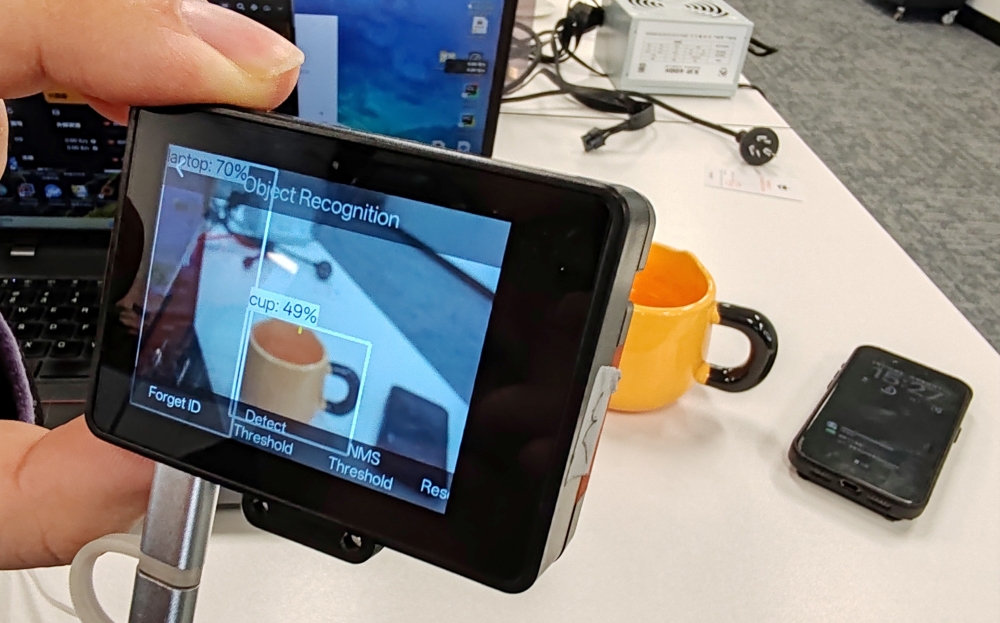
My primary mission was to explore its object recognition function. When I pointed the viewfinder at the target, each object was enclosed on the screen with a box, accompanied by a confidence level, provided it falls within any of the 80 categories it is programmed to identify.
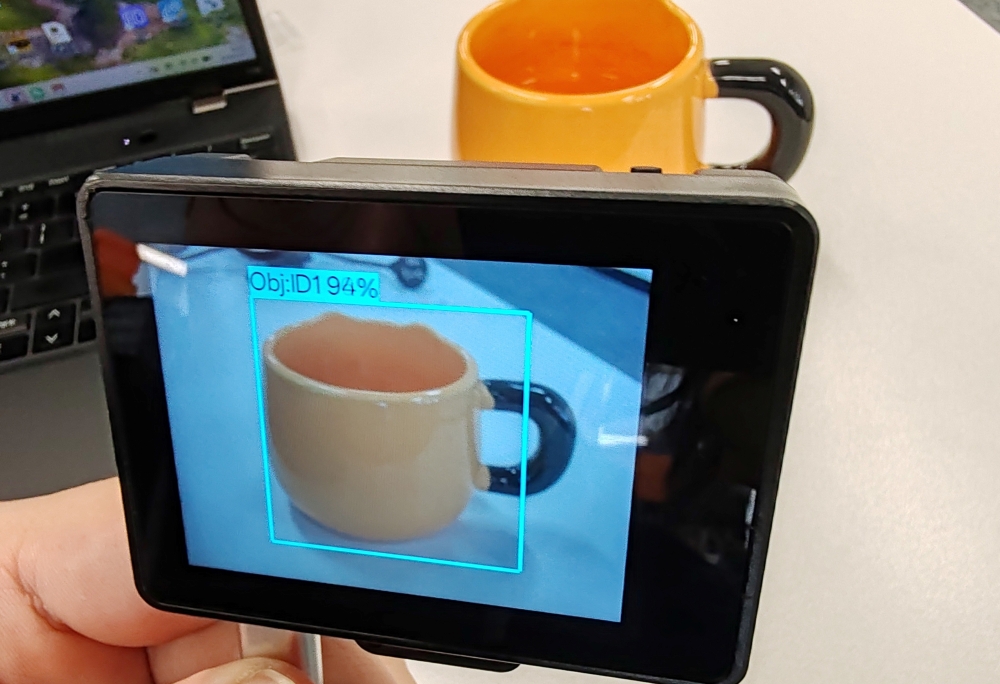
For example, my coffee mug was initially tagged as cup: 49%. Even partially obscured objects were assigned a rating.
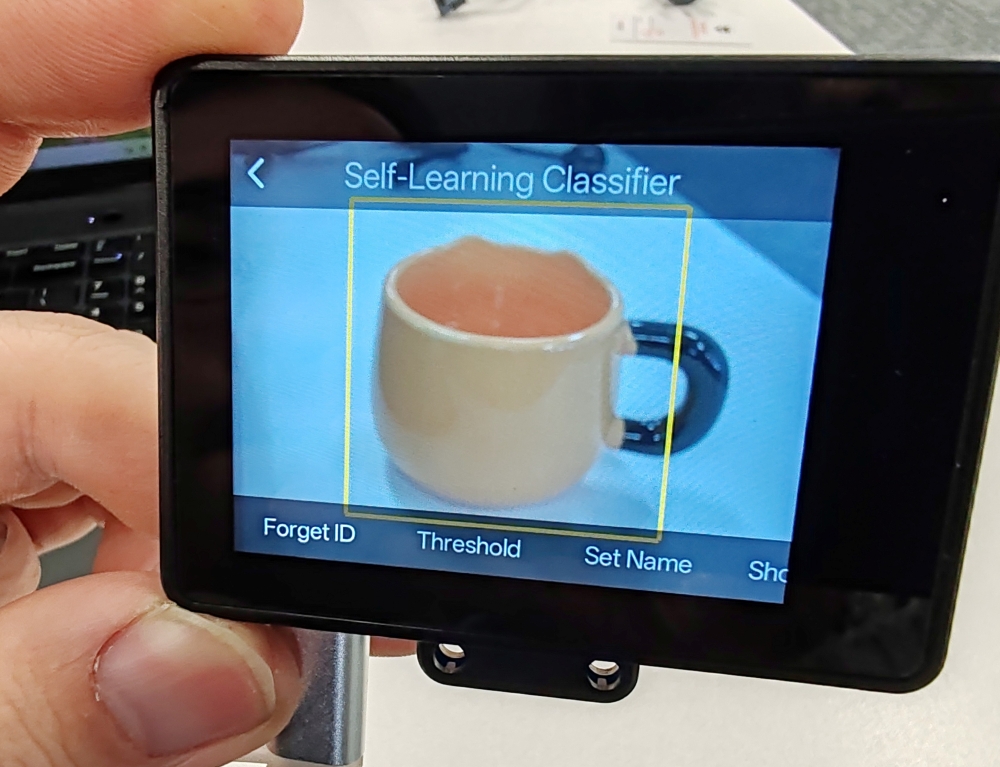
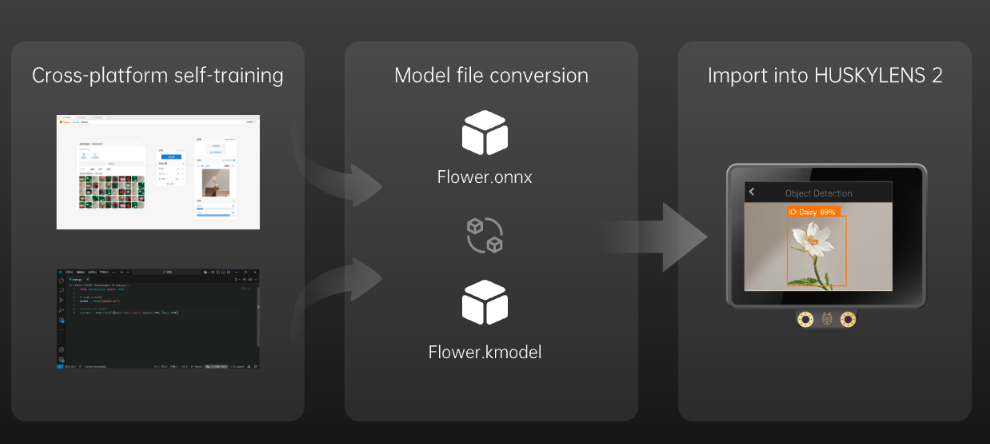
Now, like any of us, the HuskyLens 2 benefits from a little training, so I employed its self-learning classification function. In short, I viewed the mug from different angles, pressed the designated button each time and, hey presto, its confidence level steadily increased.
Even after just four training images, it was up to the mid-nineties in terms of confidence percentage.
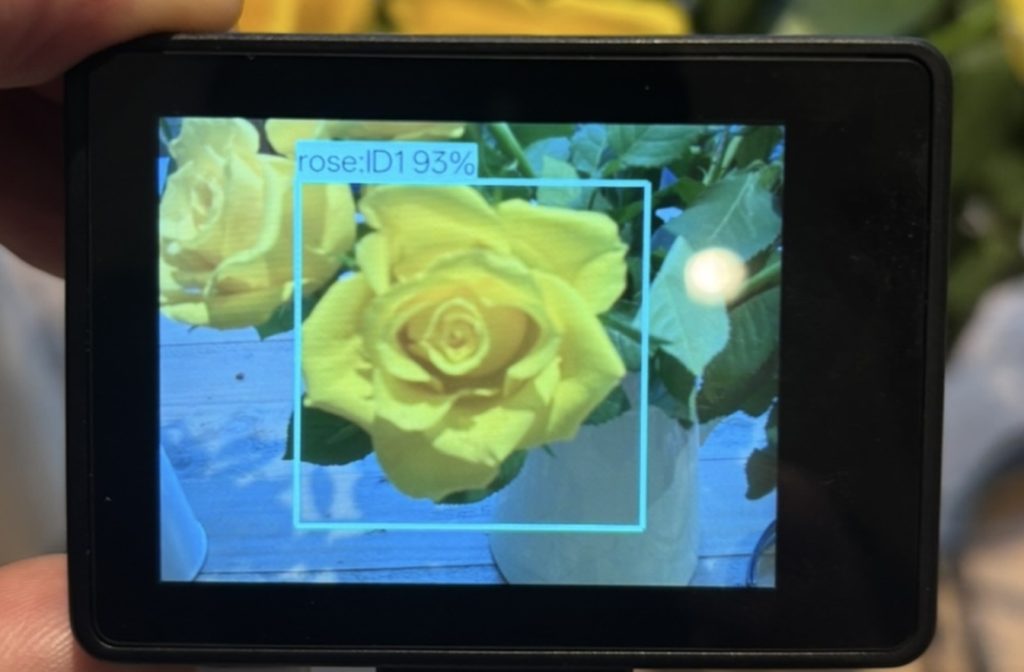
Next, I tasked it with identifying a specific object within one of its categories. In this case, I wanted it to be able to recognise a rose within its potted plant category.
Having trained it on the bloom in question, I used its labelling feature for clearer identification. With its confidence level at 93% for the rose (pic 1), I then aimed it at a different flower and noted how the confidence level dropped (pic 2).
I then aimed it at a different object of the same colour (pic 3) and the confidence level dropped further.
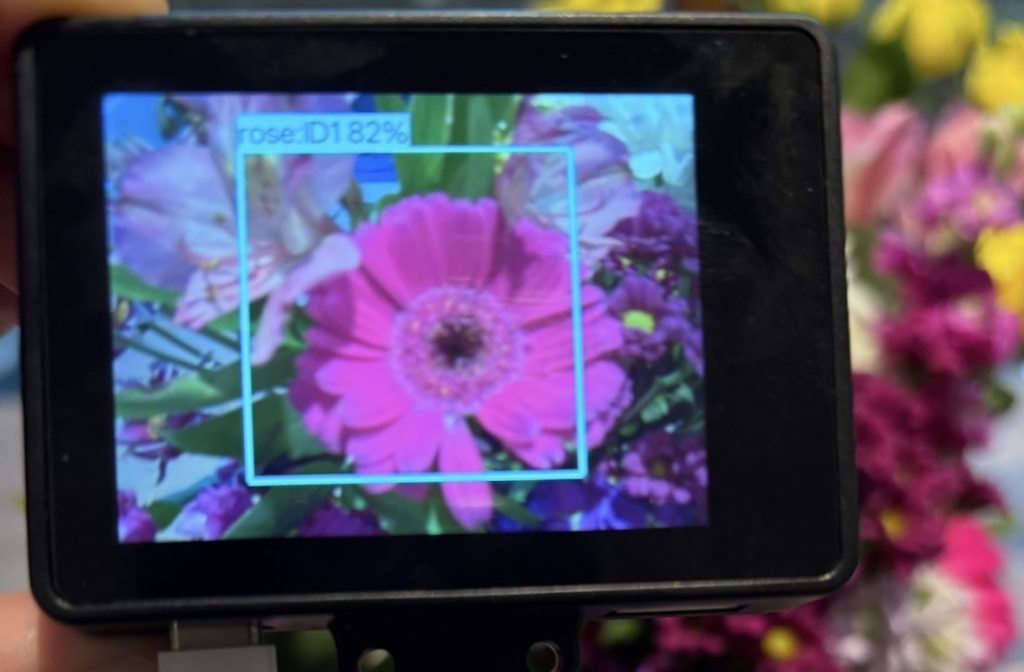
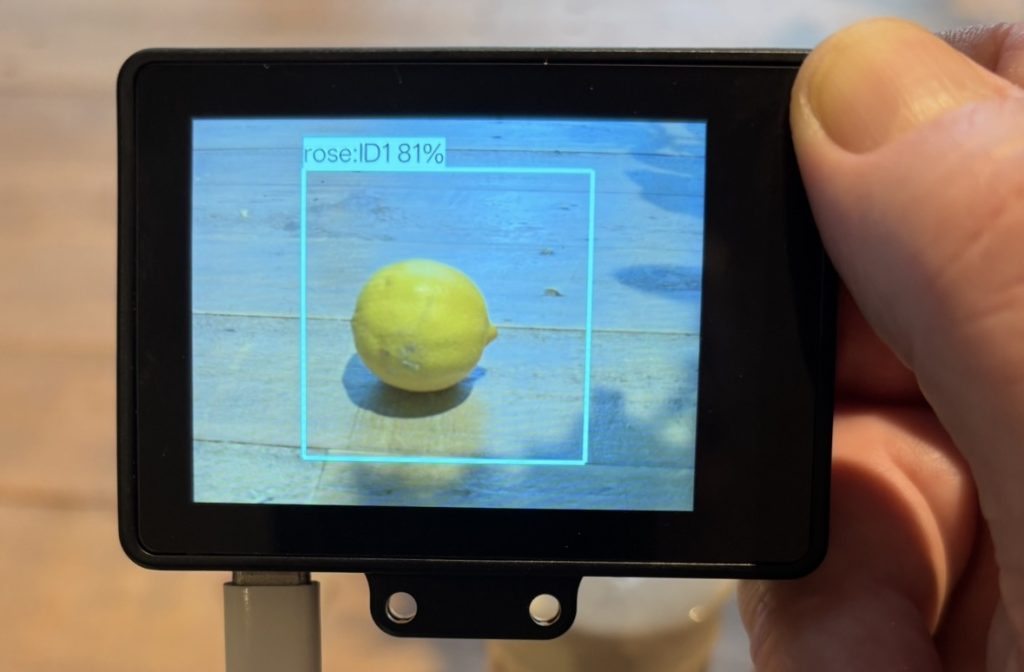
I could then have adjusted the confidence threshold in order to remove the incorrectly classified samples (the other flower and the lemon). You can also use its self-training model feature to ensure that its identification accuracy continues to improve with further interactions.
I have no doubt that your students will be able to dream up way more interesting and ambitious projects than this rather rudimentary effort. After all, the HuskyLens 2 has far more features than it makes sense to detail here.
Nevertheless, I hope my efforts have adequately hinted at the product’s learning potential, ease of use and scope for creativity.
How well did I get on with it? Well, I found its touch-screen user interface reasonably intuitive, even for an old duffer like me. The lack of a need for coding skills was also an immense relief.
As far as competent, tech-savvy professionals like you are concerned, being compatible with other popular learning platforms such as Raspberry Pi and Micro:bit, this product offers plenty of scope to enhance your existing lesson ideas. It even has an image transmission function for displaying captured images onto your classroom smartboard.
I appreciate that this has only been a whistle-stop tour of this fascinating product, but hopefully it has put you clearly in the picture. Now it’s up to you to see what you think.
The HuskyLens 2 AI vision sensor is priced at $84.90 USD/approx. £63.17 (GBP price is indicative and may vary). To find out more, visit the DFRobot website.